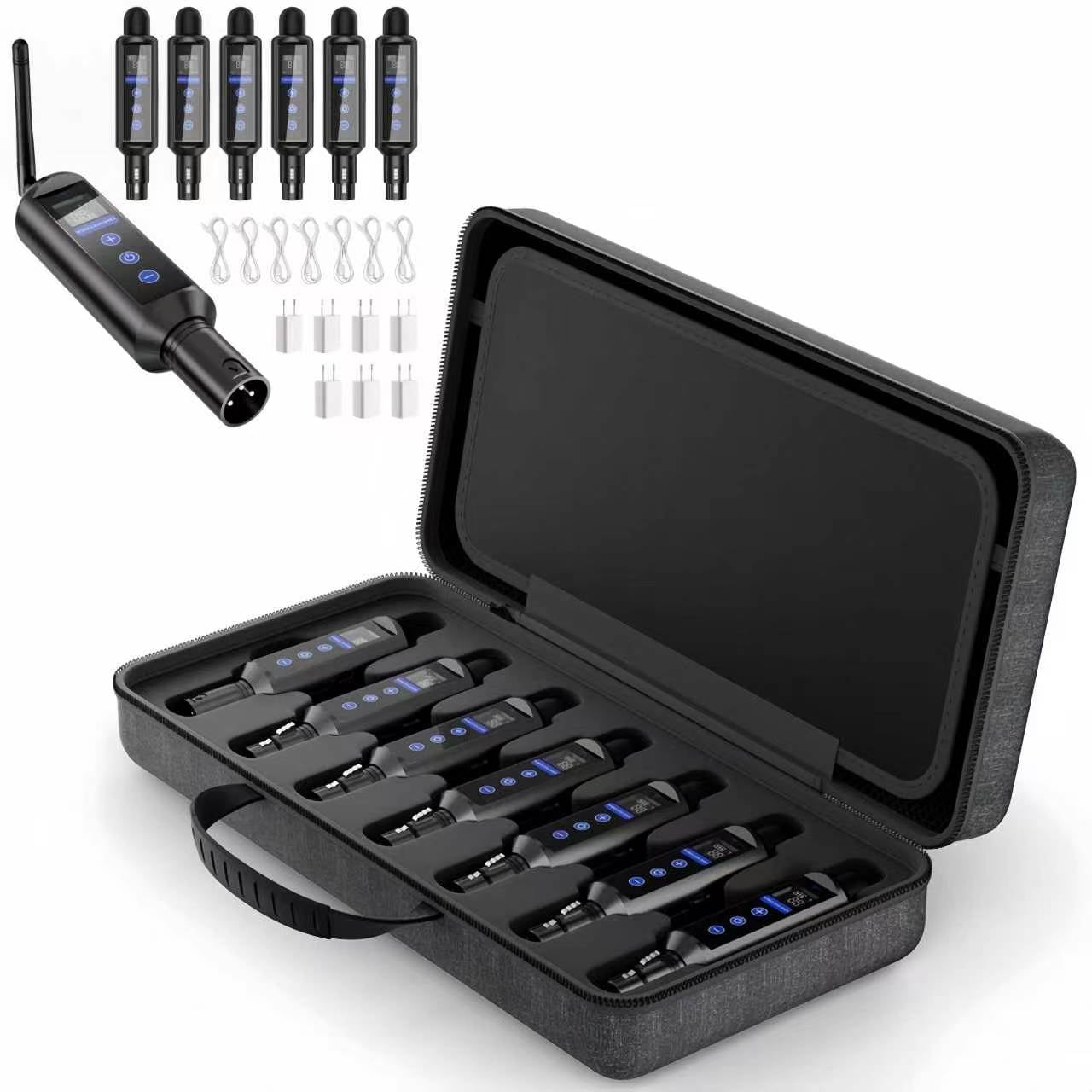
Wireless DMX512 Transmitter & Receiver Kit - A wireless DMX512 link with a rechargeable receiver, matching-ID setup and status displays for connecting lighting controllers to compatible DMX fixtures.
-
Less DMX cabling — Create a wireless control link between the lighting controller and fixture.
-
Battery-powered receiver — An integrated rechargeable battery powers the receiver without a continuous external power connection.
-
Matching-ID setup — Select the same ID on the transmitter and receiver using the ID + / ID − controls.
-
Visible operating status — Check ID and signal status on both units, with battery status also displayed on the receiver.
Introduction
Product Overview
The RayGlimz Wireless DMX512 Transmitter & Receiver Kit provides a wireless DMX connection between a lighting controller and a compatible fixture. It reduces the need to route a DMX cable between the controller and the receiving fixture.
Connect the transmitter to the controller’s DMX output and the receiver to the fixture’s DMX input. Power on both units, select matching IDs and send DMX data from the controller.
The receiver features an integrated rechargeable battery. ID and signal displays help users check the connection, while the receiver’s battery display helps monitor its power status during use.
Package Contents
| Included Items | 1 Transmitter + 4 Receivers | 1 Transmitter + 6 Receivers |
|---|---|---|
| Transmitter | 1 | 1 |
| Battery-Powered Receivers | 4 | 6 |
| Power / Charging Cables | 5 | 7 |
| Power Adapters | 5 | 7 |
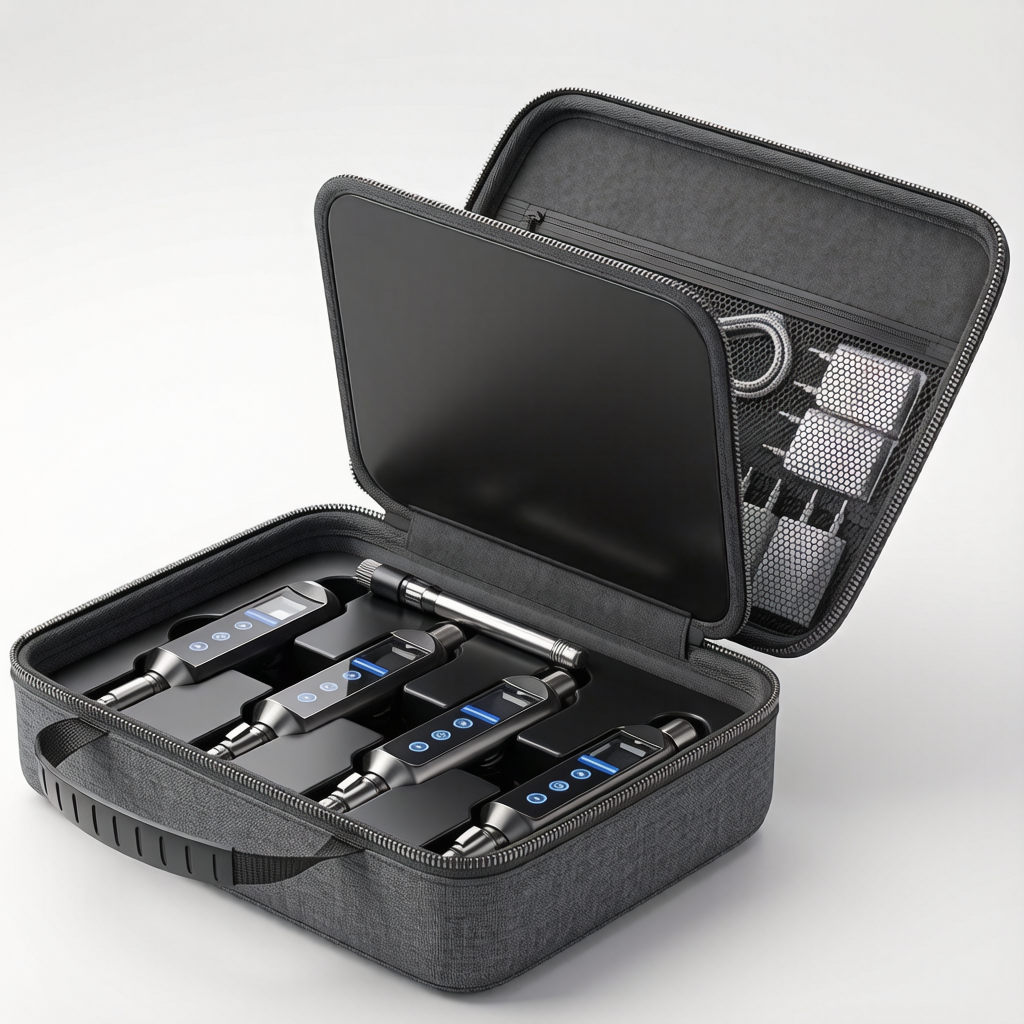
| Carrying Case | 1 | 1 |
Both kit options include a carrying case and matching power adapters and power / charging cables for all units.
Key Features
Wireless DMX512 connection
Transfers DMX control data from the transmitter to the receiver, reducing signal-cable routing between the controller and fixture.
Rechargeable receiver
The built-in battery powers the receiver during operation. The connected lighting fixture requires its own power supply.
ID selection controls
Dedicated ID + and ID − controls allow the transmitter and receiver to be set to the same ID.
Signal and battery monitoring
Both units display ID and signal status. The receiver also displays battery status, helping users check the system during setup and operation.
Touch-sensitive power control
Touch controls provide power switching. The transmitter turns on automatically when external power is applied.
How to Connect
-
Connect the transmitter to the lighting controller’s DMX output.
-
Connect the receiver to the fixture’s DMX input.
-
Connect external power to the transmitter and turn on the receiver.
-
Select the same ID on both units.
-
Send DMX data and check that the fixture responds correctly.
Before use, confirm connector and pin-assignment compatibility. The fixture’s DMX address and channel mode must match the controller configuration.
Use Considerations
Keep the devices dry. Wireless operation can be affected by distance, obstructions and nearby wireless interference. Test the connection in the intended installation position before use.
Downloads
Wireless DMX User Guide
Need Help Selecting Your Kit?
Contact us to confirm the kit contents and connection requirements for your lighting setup.
Request a Quotation
More Products
-

Nova 480 IP – USHIO 480W IP65 Beam Moving Head
-

Prime Panel R432 - Bi-Color Recessed LED Conference Panel Light
-

Retro M3 - Maple Leaf LED Retro Effect Light
-

Astra Bar 18P - 18×10W RGBW Pixel Wall Washer